PHP 8.5 Pipe Operator: Small, Typed Transformations That Read Clearly
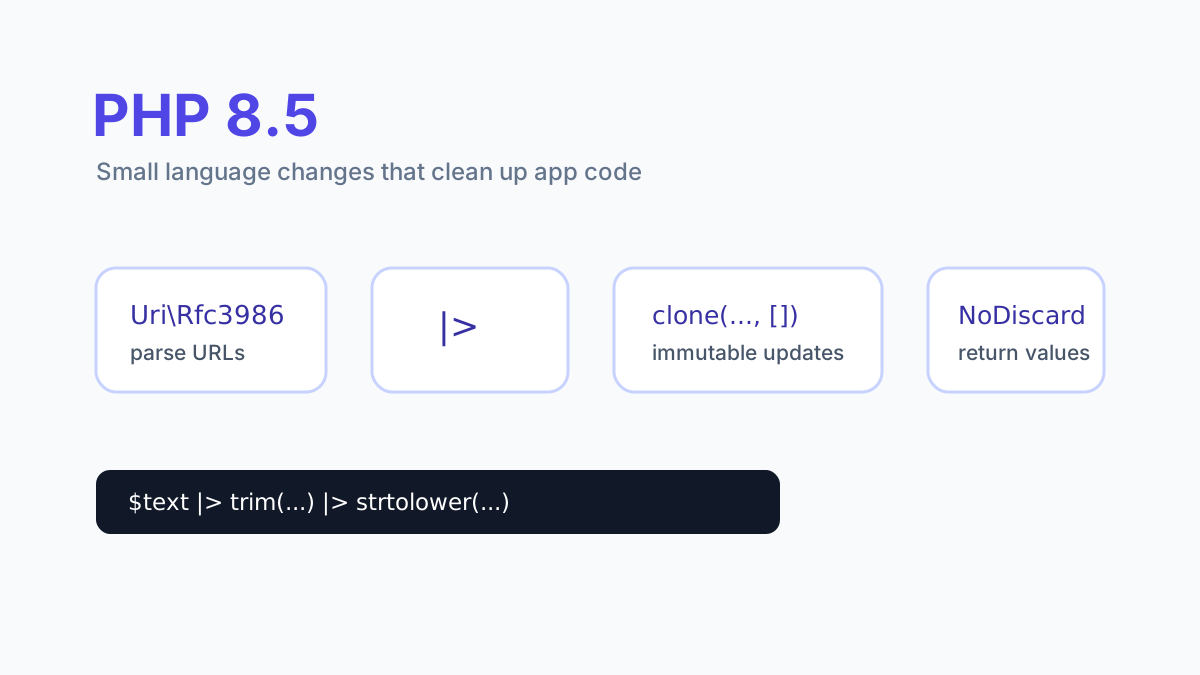
The most useful place to try a new language feature is a small piece of code with an obvious result. PHP 8.5’s pipe operator fits that approach: take a value through a few transformations and make the sequence easy to read. You can adopt it in one formatter without redesigning an application.
The PHP manual on functional operators defines |> as passing the value on its left to the callable on its right. The expression evaluates to the returned value. The operator requires PHP 8.5 or later.
Keep the transformation explicit
Imagine an import containing internal reference labels. Your product rule says those labels are ASCII, surrounding whitespace is ignored, and literal spaces become hyphens. Express that precise rule instead of calling this a universal slug generator.
function normalizeReference(string $reference): string
{
    return $reference
        |> trim(...)
        |> strtolower(...)
        |> (fn (string $value): string => str_replace(' ', '-', $value));
}

$result = normalizeReference(' RELEASE NOTES ');
// release-notes
trim(...) and strtolower(...) create first-class callables. The closure supplies the additional arguments that str_replace needs while accepting the piped string. Writing str_replace with two fixed arguments followed by an ellipsis is not supported partial application syntax.
For the language rules behind those callable expressions, see first-class callable syntax. Keep closures parenthesized in a pipe so their expression boundary is clear.
Choose the contract before the syntax
The example intentionally has narrow behavior. It does not collapse repeated spaces, transliterate accented names, guarantee uniqueness, or protect a URL that has already been published. Those are separate requirements. An imported reference, a display label, and a public article slug may begin with the same input while needing different rules.
Write the expected outputs first. For this normalizer, test a padded string, an empty string, a string containing two spaces, and an already normalized reference. The two-space case should produce two hyphens under the stated rule. If that is wrong for the product, change the rule deliberately and name the operation accordingly.
Prefer steps with a useful return value
A good pipeline lets a reader explain the type at every boundary. In this example each step takes a string and returns a string. A database write, a notification, or a method returning a success flag would change the meaning of the next step and deserves an explicit statement of its own.
Intermediate variables remain useful when you need to inspect an intermediate result, branch on it, or attach a domain name to it. A pipeline is helpful when the sequence itself is the story. There is no benefit in replacing a clear two-line function simply to increase the amount of new syntax in a project.
Move the runtime before moving the syntax
A PHP file containing this operator cannot be parsed by PHP 8.4. Before merging it, check the interpreter used by the web process, command line, queue workers, scheduled jobs, and CI. A successful browser request does not establish what interpreter a separate worker service is running.
For a shared library, increasing the minimum PHP version is a compatibility decision for consumers. For an application, record the runtime requirement in Composer and validate the release on the deployment environment. Once those conditions are satisfied, use pipes where they make a concrete transformation easier to follow.
The feature is listed in the official PHP 8.5 migration guide. This article uses the shipped 8.5 operator; proposals for additional pipe syntax need their own release verification.