What's New in Livewire v4
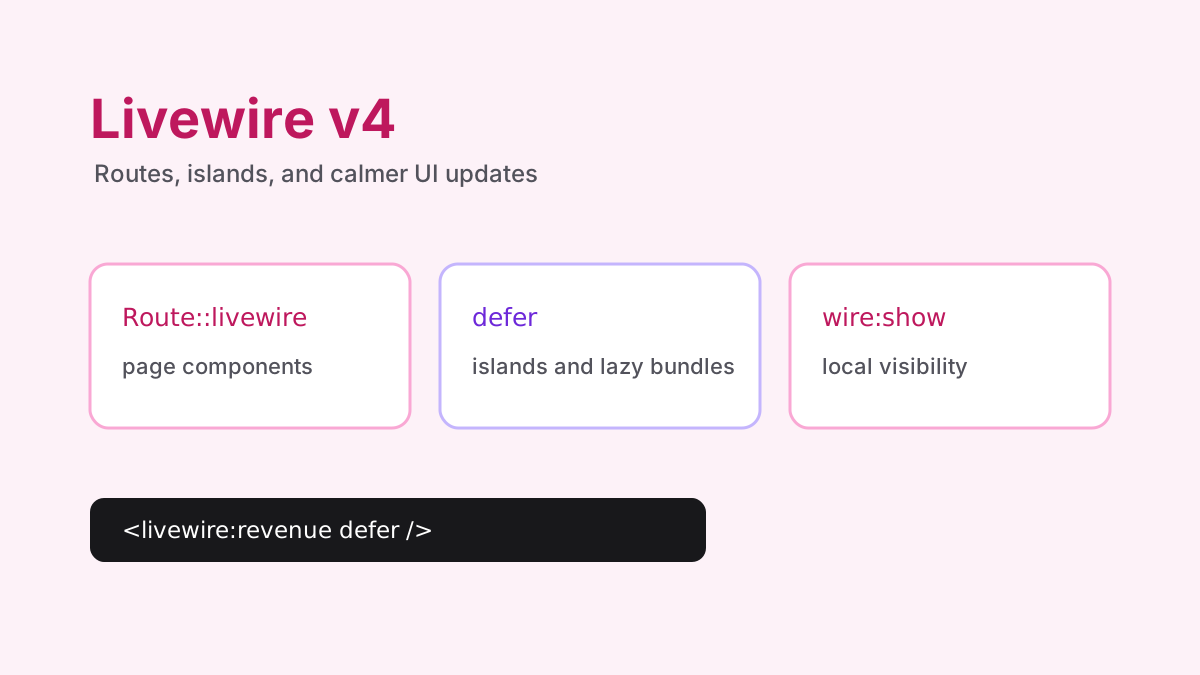
Livewire v4.0.0 was published on Jan 14, 2026. The 4.x docs position the upgrade as a smooth path from v3, with the biggest changes around configuration, component organization, full-page routing, and a better request model.
The point of v4 is not to make every project rewrite its components. It gives new projects a better default shape while keeping class-based components available for teams that already like the v2 and v3 structure.
Install and clear cached configuration
composer require livewire/livewire:^4.0
php artisan optimize:clear
That is only the package step. Real upgrades should also review the v4 config file, layout namespace, full-page routes, and any custom JavaScript hooks.
Before changing component code, commit the existing app and run the current test suite on v3. That gives you a clean comparison point. Livewire upgrades are usually easiest when you separate dependency changes from component rewrites.
Single-file components are the default
Livewire v4 can colocate PHP and Blade in one component file. For small and medium components, this removes a lot of jumping between a class and a template. When a component grows, the multi-file format can split PHP, Blade, JavaScript, CSS, and tests into one directory.
php artisan make:livewire post.create
php artisan make:livewire post.create --mfc
php artisan make:livewire CreatePost --class
Class-based components still make sense when a team has existing conventions, a lot of IDE tooling around classes, or large components that are easier to review in separate files.
Use single-file components for focused UI: a subscribe button, a profile-card editor, a small filter panel, or a modal. Use multi-file components when a feature has its own CSS, JavaScript, tests, or enough PHP that the file would become awkward to scan. Use class components when the existing project already has a clear class-based style or when IDE navigation matters more than colocation.
<?php

use Livewire\Volt\Component;

new class extends Component {
    public string $title = '';

    public function save(): void
    {
        auth()->user()->posts()->create(['title' => $this->title]);

        $this->reset('title');
    }
}; ?>

<form wire:submit="save">
    <input wire:model="title" />
    <button type="submit">Create</button>
</form>
Route page components with Route::livewire
For full-page components, v4 prefers Route::livewire(). It works with class-based components and is required for the new view-based page component formats.
use Illuminate\Support\Facades\Route;

Route::livewire('/posts/create', 'pages::post.create');
Route::livewire('/posts/{post}', 'pages::post.show');
The default component layout namespace also changed toward layouts::app, which maps to resources/views/layouts/app.blade.php. Check this early if a migrated app renders the wrong shell.
That route shape is useful for page components because the route file becomes honest about the page being Livewire-first. You can still use controllers where a controller is clearer, but you no longer need a controller just to return a Livewire page.
Deferred islands and async actions
The upgrade guide highlights new tools for tuning interactivity: deferred components, lazy bundling, async actions, renderless actions, appendable islands, and scroll preservation. These features matter when the page is interactive but not every piece of the page needs to block every other piece.
<livewire:revenue defer />
<livewire:expenses lazy.bundle />

<button wire:click.async="logActivity">Track</button>
<button wire:click.renderless="trackClick">Track</button>
Deferred islands are a good fit for dashboards, sidebars, recommended content, billing summaries, and comments that should not block the primary content. Async actions are useful for non-critical work such as tracking, small background updates, and low-risk interactions where the user should not wait for a full component render.
Use renderless actions carefully. If an action changes visible state, render the component. If it only logs analytics or marks a notification as seen in the background, renderless can keep the UI calm.
wire:show is for local visibility
wire:show toggles CSS display instead of removing the element from the DOM like a Blade @if. That makes it useful for modals, panels, and transitions that should open without a server round-trip.
<button x-on:click="$wire.showModal = true">New Post</button>

<div wire:show="showModal" x-transition>
    <form wire:submit="save">
        <textarea wire:model="content"></textarea>
        <button type="submit">Save Post</button>
    </form>
</div>
The tradeoff is that the element remains in the DOM. Do not put private data in a hidden panel just because it is invisible. For permission-based content, render it conditionally on the server. For local interface state, wire:show is the right tool.
Important behavior changes
wire:model.blur and wire:model.change now control client-side sync timing. Add .live if you need the v3 network behavior.
wire:model listens only to events from its own element by default. Use .deep when a container intentionally listens to child input events.
wire:transition now uses the browser View Transitions API and no longer supports the old Alpine-style modifiers.
wire:navigate scroll preservation moved to wire:navigate:scroll for persisted scroll containers.
Component tags must be properly closed so slot content is not interpreted accidentally.
The wire:model changes are the ones most likely to surprise an upgrade. A field that used to sync to the server as the user typed may now sync at a different moment. Walk through search boxes, filters, slug generators, autocomplete fields, and autosave forms. Those are the places where timing is visible to users.
<input wire:model.live.debounce.300ms="search" />
<input wire:model.blur="title" />
<input wire:model.change="status" />
New HTML directives worth learning
v4 adds or expands directives such as wire:sort, wire:intersect, wire:ref, wire:text, and wire:show. The practical benefit is that common UI behavior can stay declarative in Blade instead of moving into custom JavaScript.
<ul wire:sort="updateOrder">
    @foreach ($items as $item)
        <li wire:sort:item="{{ $item->id }}" wire:key="{{ $item->id }}">
            {{ $item->name }}
        </li>
    @endforeach
</ul>

<div wire:intersect.once="trackView">...</div>
wire:sort is a natural fit for dashboards, menu builders, lesson order, task boards, and admin lists where order is part of the product. wire:intersect is useful for lazy loading, analytics, and marking content as seen. wire:ref and wire:text can remove small Alpine or JavaScript snippets that only exist to point at an element or update text.
How I would upgrade a real Livewire app
Upgrade the package and clear optimized config first.
Review config/livewire.php and the default layout namespace.
Convert routes that are full-page components to Route::livewire where it makes the app clearer.
Audit wire:model timing on search, filters, slugs, and autosave forms.
Keep mature class components until there is a reason to convert them.
Use new single-file components for new small pieces so the team learns v4 gradually.
Use browser tests for the handful of interactions where request timing and DOM visibility matter.
The best Livewire v4 upgrade keeps the stable parts of your app intact and moves only the components that benefit from the new conventions. New pages can start with the v4 style; mature pages can migrate when the payoff is obvious.